The Free School Event Sign-Up List

Create a shared sign-up list for your class party or school event in seconds. Every parent sees what is still needed and claims it. No more reply-all email threads.

Perfect for every school event

Class party Bake sale Field day Teacher appreciation PTA potluck Back-to-school night Field trip Fundraiser Holiday party Graduation celebration Your own event

No login required Always free Share in one link 1,000,000+ happy users

Organize your school event in 3 steps

  1. Create your list

    Type a name for your class party or school event and hit create. Add the snacks, supplies, or volunteer slots parents should sign up for.

  2. Share the link

    Send one link to the class WhatsApp group, the parent email list, or the school app. Parents open it on any device, no app or account needed.

  3. Everyone signs up

    Parents claim what they can bring or which shift they can cover. You see the full picture live, zero reply-all chaos.

Everything a school event organizer needs

Always free

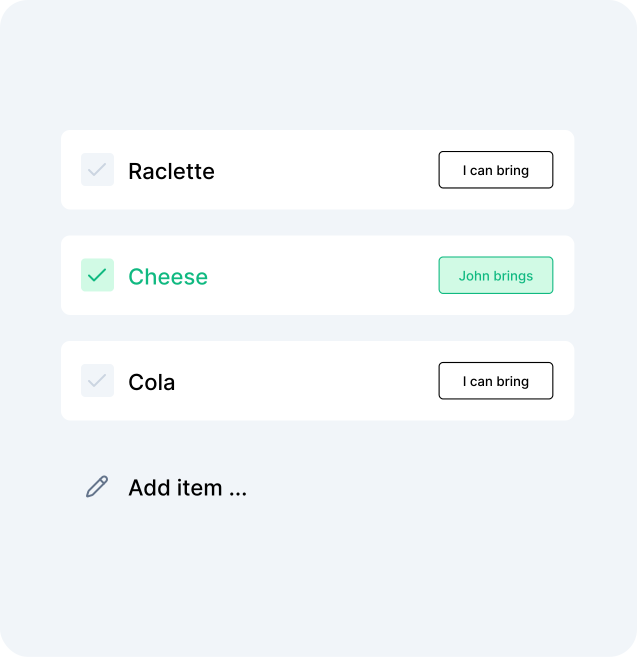
Clear sign-ups

Parents put their name next to an item or volunteer slot. No more mystery: you see exactly who's covering what.
Live updates

The list updates in real time. Someone just signed up to bring napkins? Every parent knows instantly.

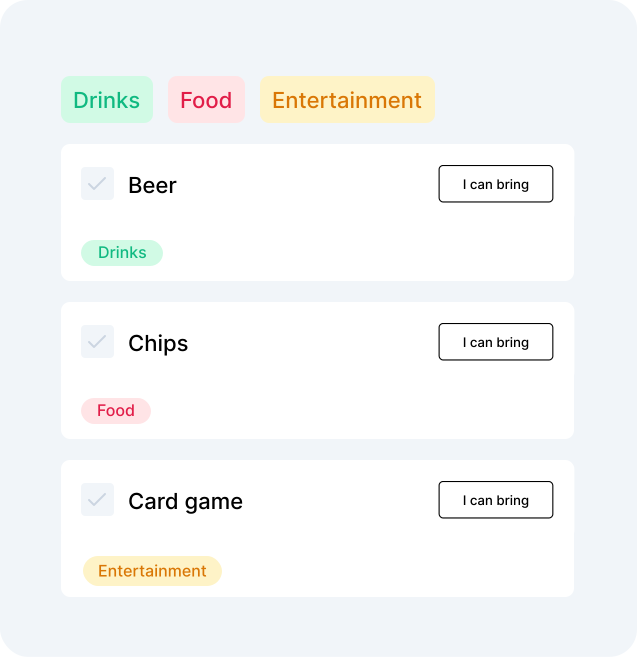
Auto-organized categories

Items are grouped into snacks, drinks, supplies, and volunteer shifts, automatically.

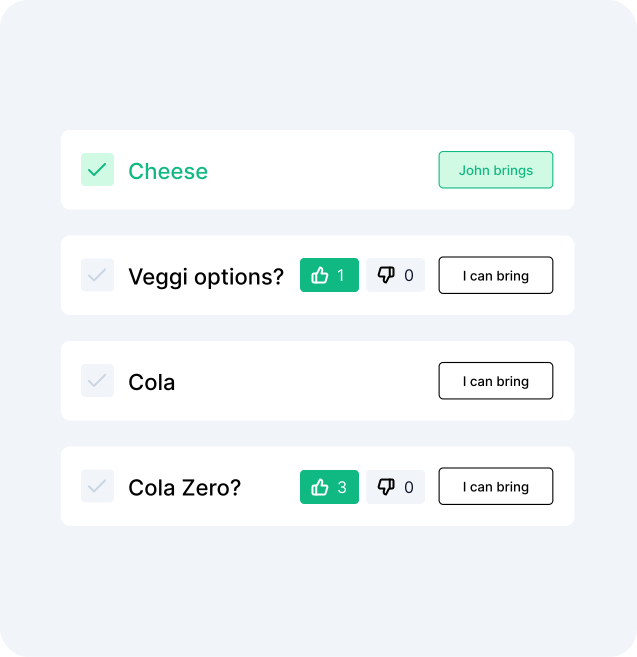
Vote on ideas

Not sure if the class wants cupcakes or cookies? Let parents vote before anyone commits.

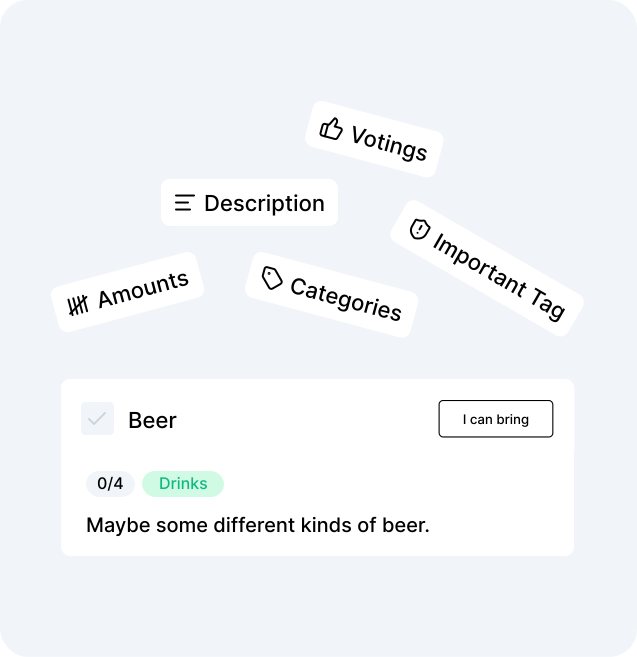
Amounts & headcounts

Specify how many juice boxes or napkin packs are needed so nothing gets over-supplied for 24 kids.
Share anywhere

Send via the class WhatsApp group, email, or the school app. One link does it all.

Guided invites

Send a personal, step-by-step invite instead of a plain link: parents RSVP, pick an item or shift, and answer any extra questions in one guided flow.

Print the list

Download the list as a PDF for the notice board, the staff room or the class folder.

Daily report

Premium

A morning email with what changed yesterday: new sign-ups, new items and RSVPs.

Member management

Premium

Invite parents by email, see who has joined and remove anyone who is no longer involved.

Roles & permissions

Premium

Make a co-organizer an admin and decide who can add or delete items.

school event list commitments feature

Clear sign-ups

Parents put their name next to an item or volunteer slot. No more mystery: you see exactly who's covering what.

school event list smart features

Amounts & headcounts

Specify how many juice boxes or napkin packs are needed so nothing gets over-supplied for 24 kids.

school event list categories

Auto-organized categories

Items are grouped into snacks, drinks, supplies, and volunteer shifts, automatically.
school event voting feature

Vote on ideas

Not sure if the class wants cupcakes or cookies? Let parents vote before anyone commits.

Stop the reply-all chaos. Start a whobrings list.

Anyone who has organized a class party or bake sale knows the drill: the email thread explodes, three parents bring cupcakes, and nobody signed up for napkins.

What is a school event sign-up list?

A school event sign-up list is a shared digital list where every parent can see what's needed for a class party, bake sale, or field trip and claim an item or volunteer slot. whobrings.com gives you exactly that: a clean, real-time list your whole class can access from a single link, with no account required.

Why whobrings works better than a reply-all email

One source of truth: Instead of scrolling back through a buried email thread, every parent opens the same link and sees the same up-to-date list.

No duplicates: Once someone claims a snack or a shift, it is taken. Your class party ends up balanced, not buried in cupcakes.

Works for any class size: A dozen families or a whole grade level, the list scales without any spreadsheet gymnastics.

Zero friction for parents: They click the link, pick their item or shift, and they're done. No download, no signup, no password.

Ready to run the smoothest class party your school has ever seen?

FAQ

School event planning: frequently asked questions

How do I organize sign-ups for a class party?

Create a list on whobrings.com, add the snacks, drinks, or supplies you need covered, then share the link with the other parents. They claim items directly on the list, no coordination needed on your end.

How do I plan quantities for a class of 20-30 kids?

whobrings lets you set an amount per item, so you can ask for "24 juice boxes" or "2 packs of napkins" and see exactly how much is covered as parents sign up.

What should be on a bake sale or class party list?

A well-organized event has snacks, drinks, paper goods, and any volunteer shifts (setup, cleanup, supervision). Use whobrings categories to organize these sections and make sure every one has a parent committed to it.

Can parents add their own items to the list?

Yes. You can allow parents to add their own items to the list, or keep it curated and let them only claim pre-set items and shifts. Your choice.

Is whobrings free for school and class events?

Yes, creating and sharing a school event sign-up list is completely free. No credit card, no signup, no limits on the number of families.

Start your school event sign-up list now. It takes 30 seconds.

No login required · Always free